
Start saving a little every day, and reach your big goals with ease.
Turn your small savings into big achievements
for a better future.
 Get early access
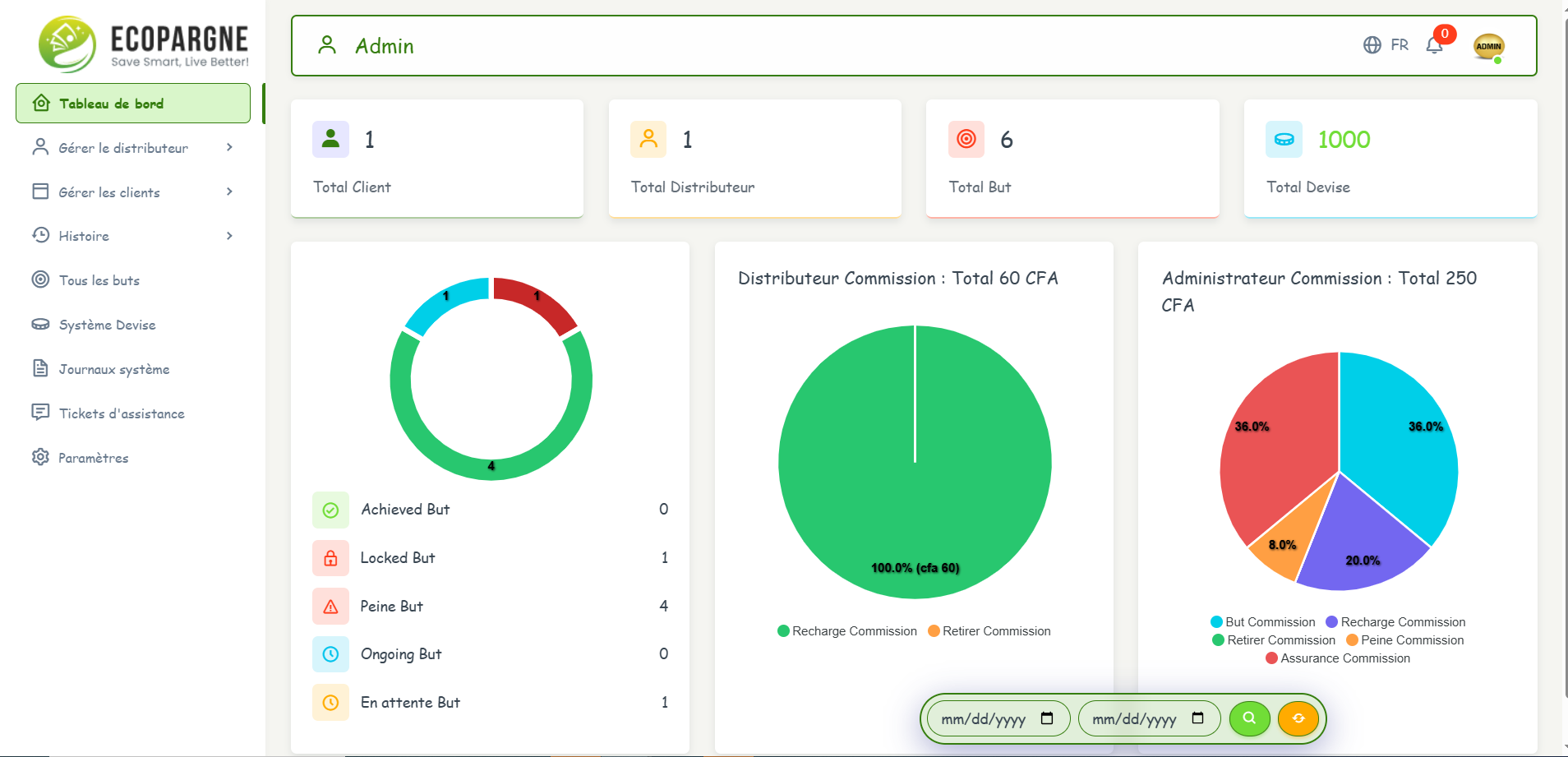
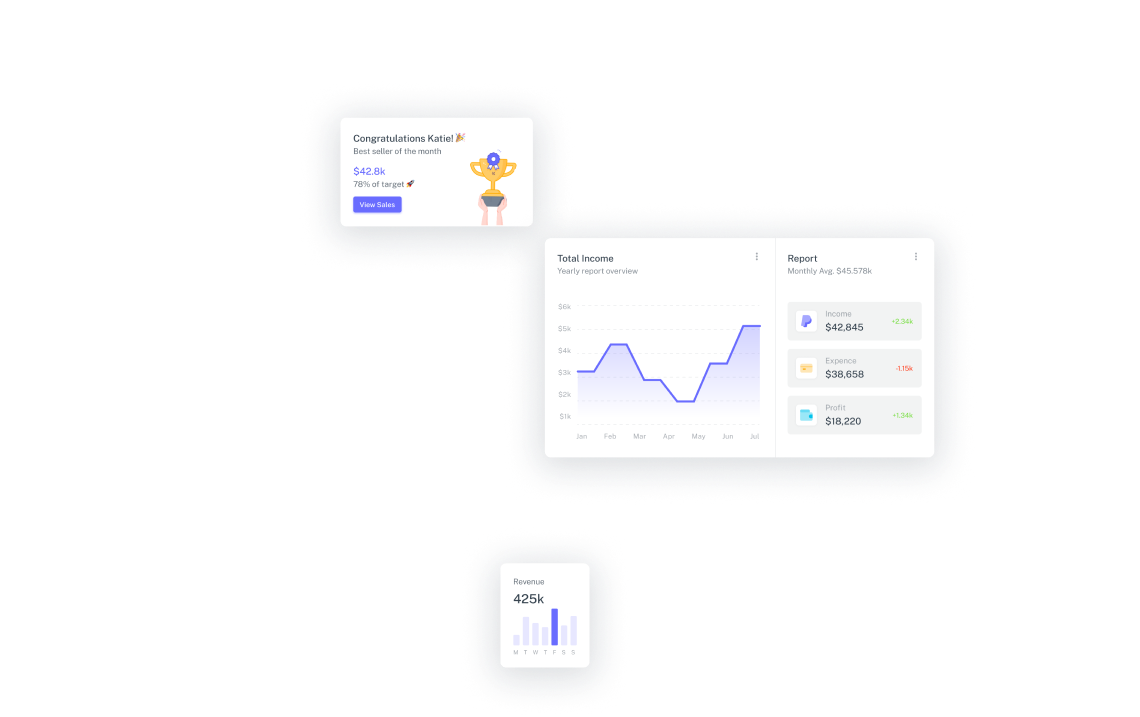
Plan your goals,
 and make your dreams come true.
What people say
See what our customers have to
say about their experience.

Ecopargne is hands down the most useful front end Bootstrap theme I've ever used. I can't wait to use it again for my next project.”

Cecilia Payne
CEO of Airbnb

“I've never used a theme as versatile and flexible as Vuexy. It's my go to for building dashboard sites on almost any project.”

Eugenia Moore
Founder of Hubspot

This template is really clean & well documented. The docs are really easy to understand and it's always easy to find a screenshot from their website.

Curtis Fletcher
Design Lead at Dribbble

All the requirements for developers have been taken into consideration, so I’m able to build any interface I want.

Sara Smith
Founder of Continental





Supported
by Real People
Who is behind these great-looking interfaces?

Sophie Gilbert
Student

Paul Miles
Housewife

Nannie Ford
Student

Chris Watkins
Businessman
7.1k+
Support Tickets
Resolved
50k+
Join Creatives
Community
4.8/5
Highly Rated
Products
100%
Money Back
Guarantee
Frequently asked
questions
Browse through these FAQs to find answers to commonly asked questions.


Ready to Get Started?
Get Started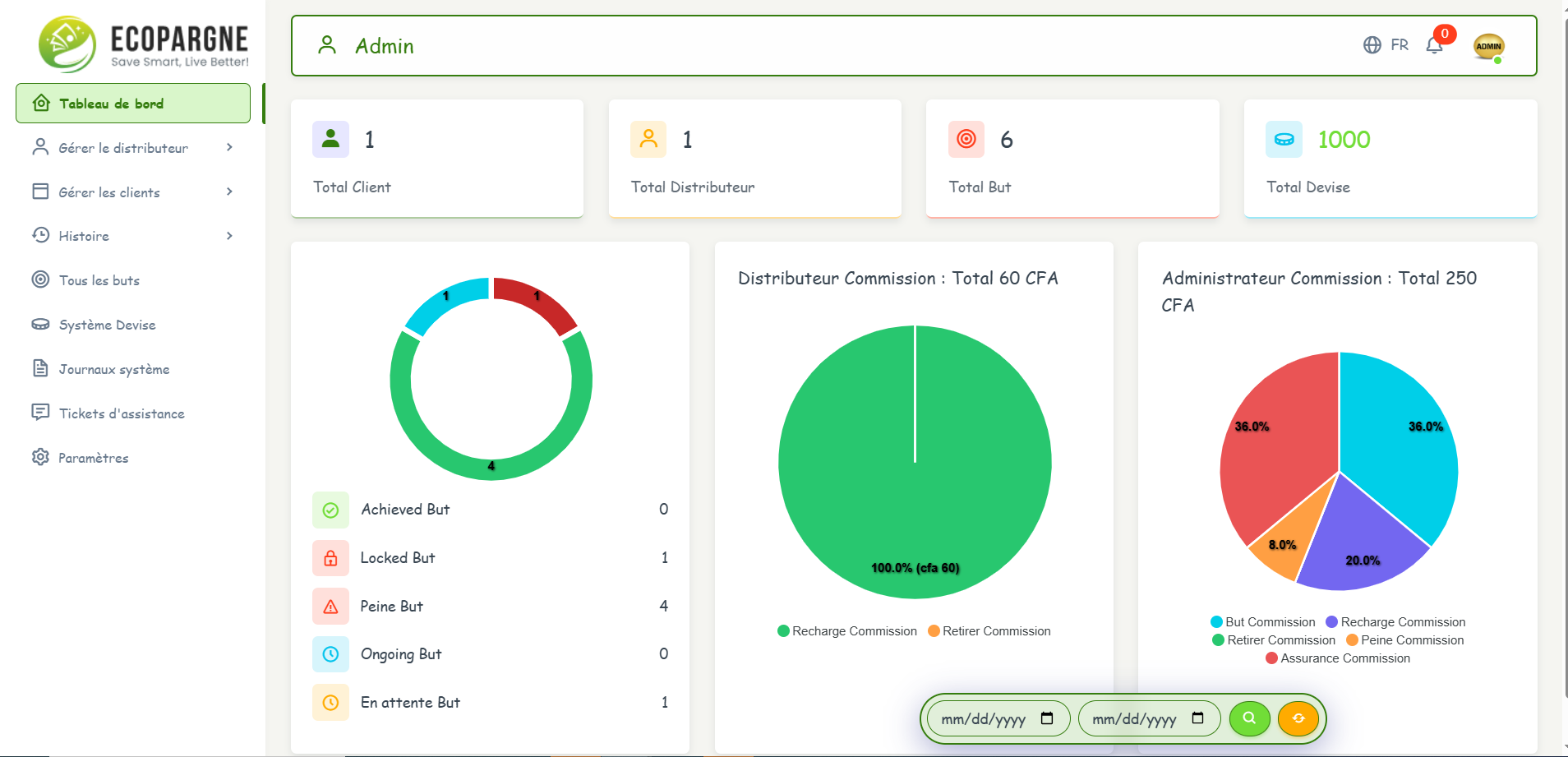
Let's work
together
Any question or remark? just write us a message


Send a message
If you would like to discuss anything related to payment, account, licensing,
partnerships, or have pre-sales questions, you’re at the right place.